

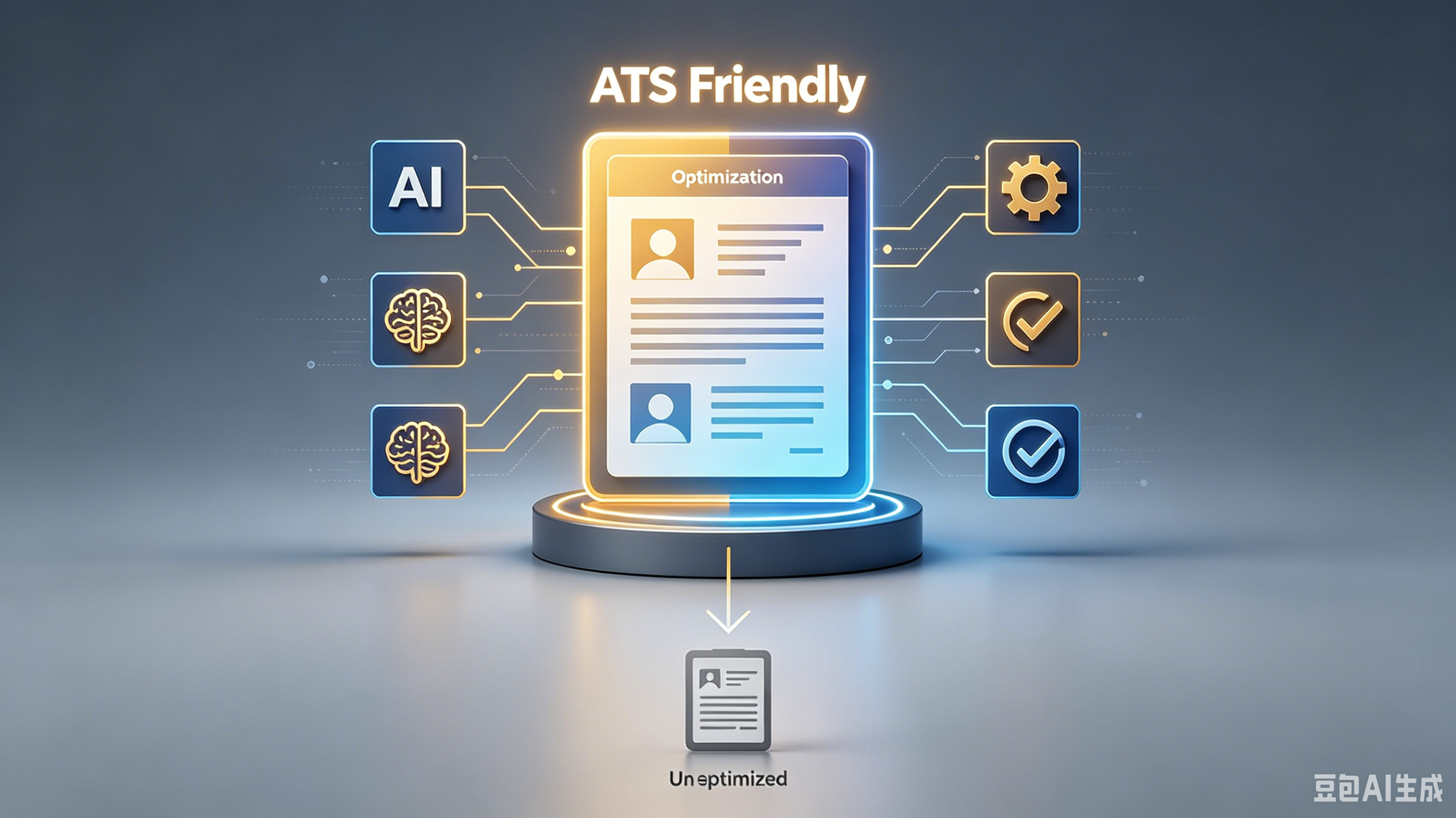
Digital Resume Parsing Optimization Tricks: Tell Your Career Story So Algorithms Listen
The journey starts with a single step. Whether you're a beginner or looking to level up, this guide walks you through everything — no guesswork required.
Table of Contents:
- Understanding the ATS Gatekeeper
- Strategic Keyword Placement for Visibility
- Formatting for Machine Readability
- Narrative Arcs in Bullet Points
- Aligning Skills With Job Descriptions
- Common Parsing Pitfalls to Avoid
- Frequently Asked Questions
- Start Your Next Chapter
Digital Resume Parsing Optimization Tricks: Tell Your Career Story So Algorithms Listen
You’ve spent hours polishing your career narrative, only to have it vanish into a digital black hole. It’s frustrating when the gatekeeper isn’t a person, but a cold, unfeeling algorithm that scans for keywords instead of soul.
But here’s the truth: you don’t have to sacrifice your voice to beat the system. By mastering specific digital resume parsing optimization tricks, you can ensure your unique professional journey shines through the code.
Understanding the ATS Gatekeeper
Applicant Tracking Systems (ATS) aren’t trying to reject you; they’re trying to organize chaos. Think of them as librarians who need specific cataloging data to find your book on the shelf.
If your resume is a beautiful, hand-bound manuscript with no index, it stays hidden. You need to speak the machine’s language without losing your human touch.
- Use standard section headers like "Work Experience" instead of creative titles like "My Journey."
- Avoid graphics, columns, or text boxes that confuse parsing logic.
- Stick to clean, simple fonts like Arial or Calibri.
Strategic Keyword Placement for Visibility
Keywords are the signposts that guide parsers to your relevant skills. But stuffing them in randomly feels fake and triggers spam filters.
Instead, weave them naturally into your achievements. This aligns your career positioning with what hiring managers actually search for.
Strategy
Impact on Parsing
Exact Match Keywords
High visibility for specific hard skills
Synonyms & LSI Terms
Broadens reach for varied job descriptions
Contextual Usage
Proves expertise, not just keyword stuffing
Formatting for Machine Readability
Fancy designs look great to humans but often break when parsed. A single-column layout is your safest bet for accurate data extraction.
Keep your professional goals clear and upfront. Use bullet points for readability, but avoid special characters that might turn into gibberish.
1. Save your file as a .docx or PDF (text-based, not image-based). 2. Ensure your contact info is in the header or body, not in footers. 3. Use standard bullet points (circles or squares) rather than arrows or icons.
Narrative Arcs in Bullet Points
Your resume is a trailer for the movie of your career. Each bullet point should hint at the drama, conflict, and resolution of your work history.
This approach supports effective career direction by showing growth. Start with strong action verbs and quantify your impact to prove your value.
For example, instead of saying "Responsible for sales," try "Spearheaded a regional sales initiative that boosted revenue by 20% in Q3." It’s specific, measurable, and compelling.
Aligning Skills With Job Descriptions
Tailoring isn’t cheating; it’s translation. You’re adapting your story so the parser recognizes its relevance to the specific role.
Focus on skill development as character growth. Highlight how past challenges prepared you for this next chapter in your professional journey.
Read the job description carefully. If they ask for "project management," ensure that exact phrase appears in your experience section if you have it.
Common Parsing Pitfalls to Avoid
Even small errors can derail your application. Headers that merge with body text or dates in non-standard formats can cause critical data loss.
Always test your resume. Upload it to a free ATS simulator to see what the machine actually reads. It’s a eye-opening experience.
- Avoid using tables for layout purposes.
- Pro tip: Don’t rely on color to convey meaning.
- Check for spelling errors that parsers won’t autocorrect.
Frequently Asked Questions
Do I need a separate resume for every job?
No, but tailor each one slightly. Adjust keywords and highlight relevant experiences to match the specific job description for better parsing results.
Can I use creative templates?
Risky. Most ATS struggle with complex layouts. Stick to clean, single-column formats to ensure your content is read correctly.
How important are soft skills?
Very, but frame them concretely. Instead of "good communicator," say "Presented quarterly reports to executive leadership."
Start Your Next Chapter
Your career story deserves to be heard, not just scanned. Apply these digital resume parsing optimization tricks to bridge the gap between human potential and machine logic.
Pick one tip from this list, update your resume tonight, and submit it to a dream job tomorrow. Let your narrative shine.
Your story starts now. Set a reminder for 30 days from today — you'll be surprised how much changes when you apply what you just learned.
Ready to optimize your resume?
Get smart resume optimization tailored for the US job market.
Try Free Now