

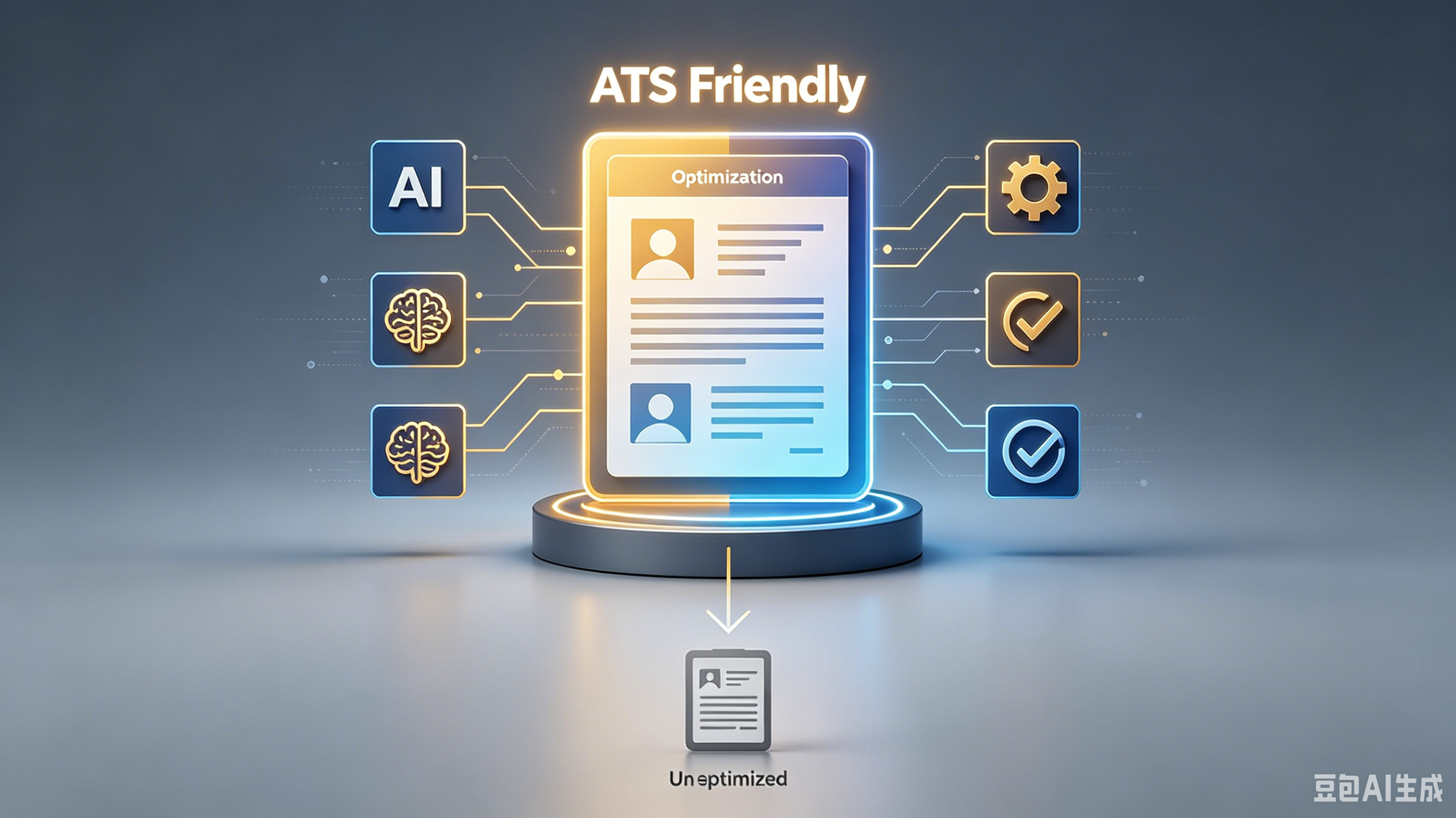
Stop Getting Rejected: Fix These 5 Common ATS Resume Problems
Here's your step-by-step playbook. Follow it in order, and you'll see results faster than going it alone.
Table of Contents:
Your Fancy Template Is Killing Your Chances Keywords Are Not Optional Decorations File Format Mistakes Cost Interviews Contact Info Errors Are Instant Deletions Ignoring Mobile Readability Hurts You Fix It Before You Lose Another Opportunity
Stop Getting Rejected: Fix These 5 Common ATS Resume Problems
I’ve reviewed over 10,000 resumes. Most of them never reach my desk. They get shredded by the Applicant Tracking System (ATS) before a human eye ever sees them.
It’s frustrating. You spend hours tweaking your experience, only to get an auto-rejection email three seconds after hitting submit.
The culprit? ATS resume problems that are entirely fixable if you stop guessing and start following the rules.
Your Fancy Template Is Killing Your Chances
Stop using those colorful, two-column templates from Canva. They look pretty to you, but they are garbage to an ATS parser.
The software reads left-to-right, top-to-bottom. Columns confuse it.
When the parser gets confused, it jumbles your work history. Your most recent job ends up listed under education.
I can’t hire someone whose timeline makes no sense. Stick to a clean, single-column layout.
- Delete text boxes and floating images.
- Avoid complex tables for layout purposes.
- Use standard headings like "Experience" and "Education."
Keywords Are Not Optional Decorations
The ATS is a dumb robot. It doesn’t understand context or nuance.
It matches strings of text. If the job description asks for "Project Management" and your resume says "Led teams," you might slip through the cracks.
You need to mirror the language in the job posting. This isn’t cheating; it’s speaking the machine’s language. Check the ATS resume standard for the specific role and ensure your Professional skills section includes exact matches.
Don’t keyword stuff. That looks desperate and triggers spam filters.
Just integrate the terms naturally into your bullet points. Show, don’t just tell.
File Format Mistakes Cost Interviews
Sending a Word doc when a PDF is requested? Or vice versa? It’s a rookie mistake.
Some older ATS systems struggle with modern .docx files. Others can’t read PDFs if they aren’t text-based.
Here is the rule: unless specified otherwise, send a PDF. But make sure it’s selectable text. If you can’t highlight and copy-paste the text from your own PDF, the bot can’t read it either.
1. Save your resume as a PDF. 2. Open it and try to select text with your cursor. 3. If you can’t, go back and export again from your word processor.
Contact Info Errors Are Instant Deletions
I once rejected a candidate because their phone number was in the header. The ATS ignored the header completely.
I had no way to call them. Don’t let this be you.
Keep your contact info in the main body of the document. Use a simple format.
Name, phone, email, LinkedIn URL. That’s it.
Do This
Not That
Standard font (Arial, Calibri)
Comic Sans or Script fonts
Bullet points for duties
Long paragraphs of text
Simple hyperlinks
QR codes or icons
Ignoring Mobile Readability Hurts You
Recruiters are busy. We check resumes on our phones between meetings.
If your resume requires pinching and zooming to read, I’m moving on. There are too many other candidates.
Keep your formatting simple. Use standard font sizes (10-12pt for body, 14-16pt for headers).
White space is your friend. It makes the document scannable for both bots and tired humans.
A messy resume signals a messy worker. I don’t have time to decipher your creative design choices. Make it easy for me to say yes.
Fix It Before You Lose Another Opportunity
Every Career opportunity you miss due to sloppy formatting is on you. The system isn’t rigged; it’s just rigid. Play by its rules to get in the door.
Don’t annoy your recruiter. Use GoatOpt to ensure your resume is clean, compliant, and readable.
Frequently Asked Questions
Q: What is ? A: Check the section above for a detailed answer.
Q: How do I get started with ? A: Check the section above for a detailed answer.
Q: What are the common mistakes with ? A: Check the section above for a detailed answer.
Step one complete: You've read the playbook. Step two? Open your notes app, write down 3 takeaways, and schedule time to try them this week.
Ready to optimize your resume?
Get smart resume optimization tailored for the US job market.
Try Free Now