

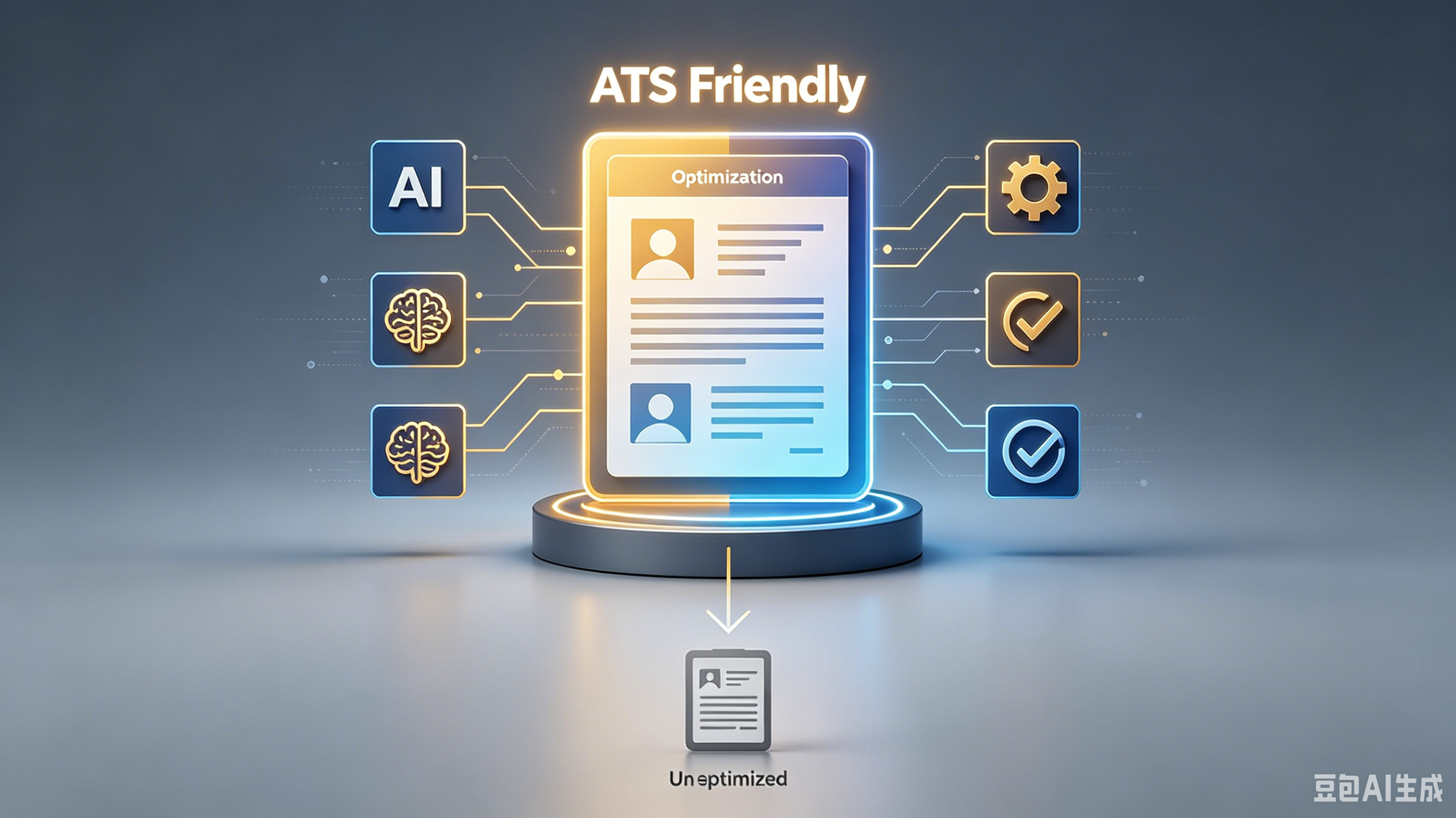
Stop Getting Rejected: How to Build an ATS Resume for Tech Jobs That Actually Works
Key Takeaways:
- Essential insights about
- Practical steps you can implement today
- Expert recommendations for best results
Table of Contents:
1. Why Your Fancy Design Gets You Deleted 2. Keywords Are Not Optional Decorations 3. Technical Skills Section: Do It Right 4. Quantify Your Impact, Don't Just List Duties 5. Common Formatting Mistakes That Kill Your Chances 6. Final Checklist Before You Hit Submit
Stop Getting Rejected: How to Build an ATS Resume for Tech Jobs That Actually Works
I’ve screened over 10,000 resumes. Most of them go straight into the digital trash bin before I even sip my coffee.
It’s not personal. It’s just bad formatting.
If you’re applying for tech roles, your resume isn’t read by a human first. It’s parsed by a robot.
If that robot can’t read your ATS resume for tech jobs, neither will I. Here is how to stop annoying recruiters and start getting interviews.
Why Your Fancy Design Gets You Deleted
You spent hours picking the perfect font and adding subtle color accents. Cute.
The Applicant Tracking System (ATS) doesn’t care about your aesthetic sense. It cares about data extraction.
Complex layouts confuse the parser. Columns, text boxes, and graphics often result in garbled text or missing sections. **Delete the two-column layout immediately.
** Stick to a single-column, reverse-chronological format. It’s boring, but it works.
Keywords Are Not Optional Decorations
The ATS scans for specific terms found in the job description. If the role requires "Python" and "AWS," and your resume says "coding" and "cloud services," you’re invisible. Context matters, but exact matches win.
Don’t keyword stuff. That’s obvious and lazy. Instead, mirror the language used in the posting.
If they ask for "Agile methodology," use that exact phrase. This aligns your profile with the ATS resume standard without looking like you’re trying to cheat the system.
Technical Skills Section: Do It Right
This is the most critical section for tech roles. Yet, I see candidates mess it up constantly. No progress bars.
No star ratings. No "8/10 proficiency in Java." These graphics are unreadable to bots and make me roll my eyes.
- List hard skills clearly: Languages, Frameworks, Tools.
- Group them logically: Backend, Frontend, DevOps.
- Include Professional skills like Git, Docker, or Kubernetes if relevant.
- Pro tip: Keep it text-based. Simple bullet points are your friend.
Quantify Your Impact, Don't Just List Duties
Saying you "worked on a team to build an app" tells me nothing. Everyone did that. I need to know what you actually achieved.
Did you reduce latency? Improve uptime? Cut costs?
Use numbers. Specificity builds trust. Vague claims get ignored.
A Career opportunity slips away when you fail to prove your value. Show me the results, not just the responsibilities.
Weak Bullet Point
Strong, Quantified Bullet Point
Responsible for database optimization.
Reduced query response time by 40% by indexing SQL databases.
Helped migrate servers to the cloud.
Migrated 50+ microservices to AWS, cutting infrastructure costs by 25%.
Fixed bugs in the codebase.
Resolved 200+ critical bugs, improving app stability rating from 3.5 to 4.8 stars.
Common Formatting Mistakes That Kill Your Chances
You think your header looks cool with a photo and your LinkedIn URL in a tiny font. The ATS sees noise.
Photos are a huge no-no in the US market. They cause parsing errors and introduce bias issues.
Stick to standard headings. Use "Experience," "Education," and "Skills." Don’t get creative with "My Journey" or "What I Bring to the Table.
" The bot won’t recognize those headers. Keep it simple. Keep it standard.
1. Use standard fonts like Arial, Calibri, or Helvetica. 2. Save as a .
docx or a text-based PDF. Avoid image-only PDFs. 3. Ensure your contact info is in the body, not the header/footer. 4. Check for typos. One typo suggests you don’t care about details.
Final Checklist Before You Hit Submit
Before you apply, run a sanity check. Copy and paste your resume text into a plain text editor.
If it looks like gibberish, the ATS will choke on it. Fix the formatting now, not after the rejection email arrives.
Your goal is clarity, not creativity. Make it easy for the machine to read so it’s easy for me to approve.
Don’t waste my time with fluff. Give me the facts, formatted correctly.
Don’t annoy your recruiter. Use GoatOpt to ensure your resume is clean, compliant, and readable.
Frequently Asked Questions
Q: What is ? A: Check the section above for a detailed answer.
Q: How do I get started with ? A: Check the section above for a detailed answer.
Q: What are the common mistakes with ? A: Check the section above for a detailed answer.
Ready to master ? Pick ONE technique from this guide and test it for the next 7 days. Track your results and adjust from there.
Ready to optimize your resume?
Get smart resume optimization tailored for the US job market.
Try Free Now