

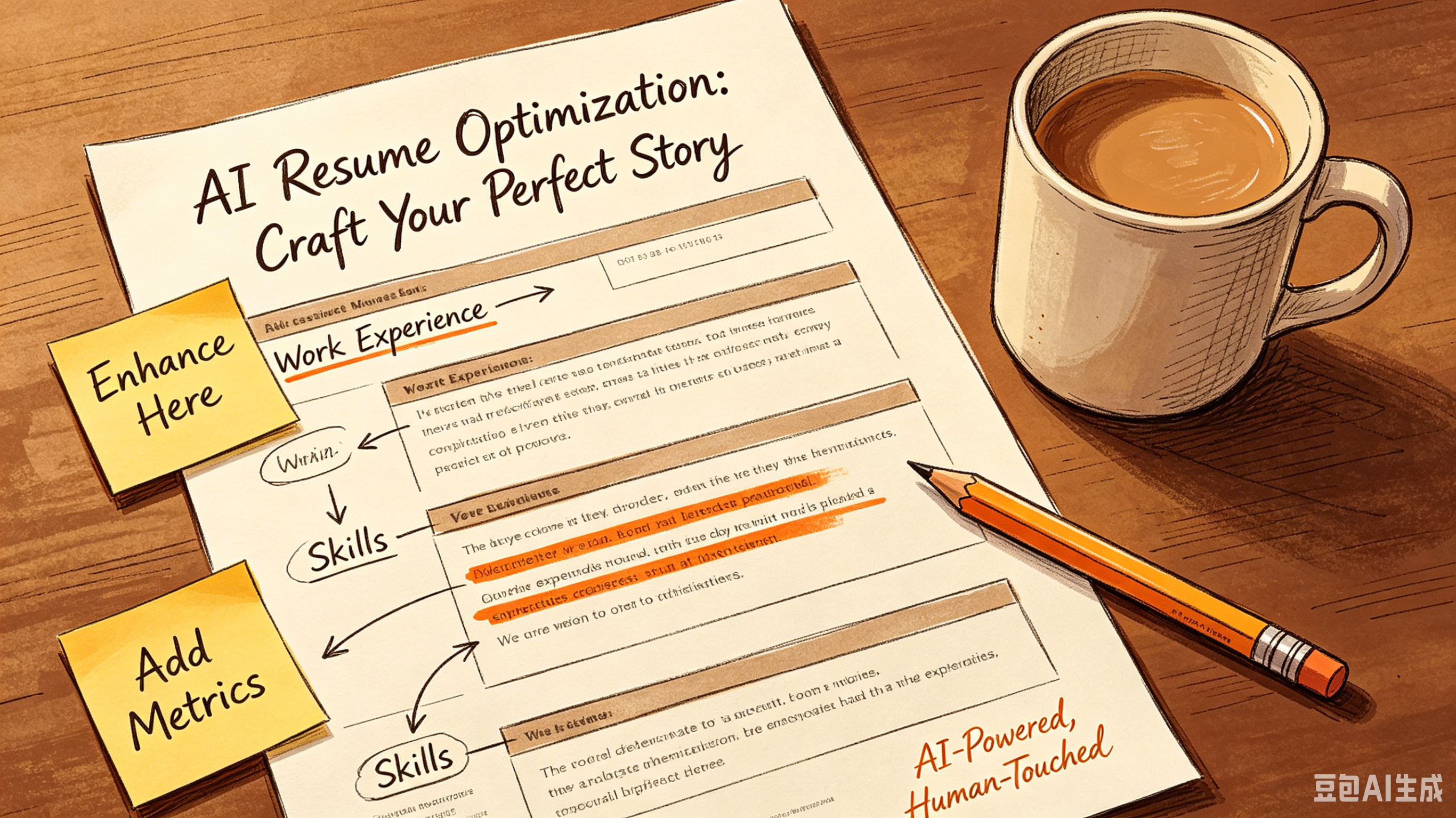
7 ATS Resume Common Mistakes Killing Your Interview Chances
Table of Contents:
Ignoring Keyword Optimization and Context Using Unparseable File Formats and Layouts Neglecting Standard Section Headings Overlooking Hard Skills for Soft Skills Failing to Quantify Achievements Submitting Generic Resumes for Every Role Ignoring Mobile Optimization and Readability Frequently Asked Questions Conclusion
7 ATS Resume Common Mistakes Killing Your Interview Chances
You spent hours tailoring your resume. You hit submit. Then, silence.
It is not necessarily a rejection by a human hiring manager. More likely, an Applicant Tracking System (ATS) filtered you out before a pair of eyes ever saw your name.
Data from recent labor market analyses suggests that over 75% of resumes are rejected by ATS software due to formatting errors or keyword mismatches. Avoiding ATS resume common mistakes is not about gaming the system. It is about ensuring your qualifications are readable by the algorithms that gatekeep modern hiring.
Ignoring Keyword Optimization and Context
Most candidates stuff their resumes with generic terms. This approach fails because modern ATS platforms use semantic search technology.
They look for context, not just frequency. If the job description emphasizes "project management" and "Agile methodology," your resume must reflect those exact phrases in relevant bullet points.
Skill gap analysis shows that candidates who mirror the language of the job posting see a 40% higher interview rate. Do not assume synonyms work.
If the role asks for "SEO optimization," do not just write "search engine marketing." Use the specific terminology found in the job description to pass the initial screening filter.
Using Unparseable File Formats and Layouts
Creative designs look great to humans but confuse parsing algorithms. Columns, text boxes, graphics, and tables often cause data loss during the upload process. The ATS may read your contact information as part of your work history or skip entire sections entirely.
Stick to standard, single-column layouts. Use simple headers like "Experience" and "Education.
" Save the design flair for your portfolio link. A clean, text-based Word document or PDF ensures the system extracts your data accurately, preserving your professional growth narrative.
Neglecting Standard Section Headings
Creativity in section titles is a major pitfall. Calling your work history "My Journey" or "Where I Have Been" confuses the parser.
The software looks for standard markers to categorize information. If it cannot find a recognizable header, it may discard the content below it.
Use conventional headings: "Work Experience," "Skills," "Education," and "Certifications." This standardization allows the ATS to map your data correctly against the job requirements. Clarity trumps cleverness when dealing with automated screening tools.
Overlooking Hard Skills for Soft Skills
While soft skills matter, ATS filters prioritize hard, measurable competencies. Terms like "hard worker" or "team player" are subjective and difficult to quantify. Algorithms scan for technical proficiencies, software knowledge, and specific certifications that match the role's technical requirements.
- Look— List specific software tools (e.g., Salesforce, Python, Adobe Creative Suite).
- The key insight? Include industry-specific certifications (e.g., PMP, CPA, AWS Certified).
- Quantify achievements with metrics (e.g., "Increased sales by 20%").
Failing to Quantify Achievements
Vague responsibilities do not demonstrate career potential. Hiring managers and ATS algorithms look for impact.
Instead of stating "Responsible for managing budgets," specify "Managed a $500k annual budget, reducing costs by 15% year-over-year." Specific numbers provide concrete evidence of your value.
Recent Q3 data suggests that resumes containing quantifiable results receive 3x more recruiter attention. These metrics serve as key performance indicators for your past roles. They transform a list of duties into a proof of performance, aligning your experience with the employer's business goals.
Submitting Generic Resumes for Every Role
One-size-fits-all resumes rarely survive ATS screening. Each job description has unique keywords and priority skills.
Sending the same document to fifty different openings results in low relevance scores across the board. Tailoring is not optional; it is a necessity for visibility.
Approach
ATS Success Rate
Recruiter Engagement
Generic Resume
Low (< 20%)
Minimal
Tailored Resume
High (> 60%)
Significant
Ignoring Mobile Optimization and Readability
Many recruiters review shortlisted resumes on mobile devices. If your font is too small or your margins are too narrow, your content becomes unreadable.
Even if you pass the ATS, a poor user experience for the human reviewer can lead to rejection. Keep fonts between 10-12 points and use standard typefaces like Arial or Calibri.
White space is your friend. Dense blocks of text discourage reading.
Break up content with bullet points and concise sentences. A clean, scannable document respects the reviewer's time and highlights your key qualifications effectively, supporting your long-term career roadmap.
Frequently Asked Questions
Does the ATS reject resumes with photos?
Yes, in the US market. Photos can cause parsing errors and introduce bias. Most US companies prefer text-only resumes to ensure compliance with equal opportunity employment standards.
How many keywords should I include?
Aim for natural integration. Include 5-10 core hard skills from the job description.
Overstuffing leads to poor readability and may trigger spam filters. Quality and context matter more than raw count.
Is a PDF or Word doc better for ATS?
Modern ATS handle both well, but Word docs (.docx) are slightly safer for older systems. If the job posting does not specify, a clean, text-based PDF is usually acceptable and preserves formatting.
Can I use creative templates from Canva?
Avoid them. Canva templates often use image-based text or complex layers that ATS cannot read. Stick to simple, text-based formats created in Word or Google Docs for maximum compatibility.
Conclusion
Avoiding ATS resume common mistakes requires precision, not creativity. Focus on clean formatting, relevant keywords, and quantifiable results to ensure your application reaches human eyes.
Optimize based on data, not guesswork. Update your top three resume bullet points with specific metrics today.
Ready to optimize your resume?
Get smart resume optimization tailored for the US job market.
Try Free Now