

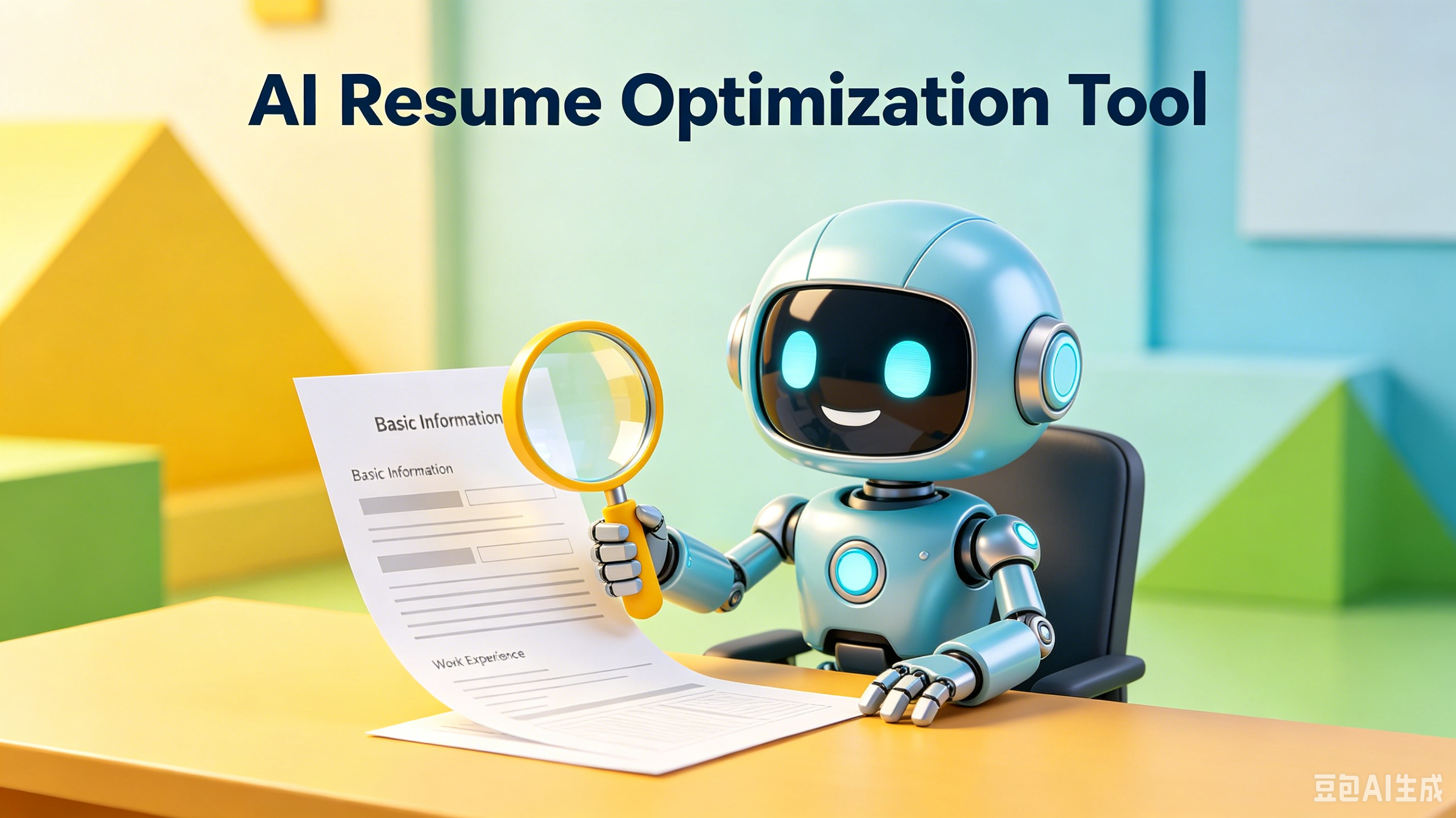
Resume ATS Compatibility: The Clean Path to Interviews
The journey starts with a single step. Whether you're a beginner or looking to level up, this guide walks you through everything — no guesswork required.
Table of Contents:
- Why ATS Filters Reject Good Candidates
- Here's the thing—Formatting Rules for Maximum Readability
- Keywords That Match the Job Description
- Structuring Content for Quick Scans
- Common Mistakes That Kill Compatibility
- Testing Your Resume Before Submission
- Frequently Asked Questions
- Final Thoughts
Resume ATS Compatibility: The Clean Path to Interviews
You spent hours perfecting your resume. You hit submit.
Then silence. The culprit is often invisible software filtering you out before a human ever sees your name.
Understanding Resume ATS compatibility isn't about gaming the system. It is about removing barriers. Clarity wins every time.
Why ATS Filters Reject Good Candidates
Applicant Tracking Systems scan for structure, not style. They struggle with complex layouts, graphics, and unusual fonts. A beautiful design often means zero readability for the bot.
Most rejections happen because the parser cannot extract text. If the machine can't read it, you don't exist. Simplicity ensures your data lands in the right fields.
Formatting Rules for Maximum Readability
Stick to standard headings like "Experience" and "Education." Creative titles confuse the algorithm. Use a clean, single-column layout without tables or text boxes.
Choose universal fonts such as Arial or Calibri. Save your file as a Word doc or a simple PDF. These formats preserve text integrity during the scanning process.
Keywords That Match the Job Description
Read the job posting carefully. Identify the hard skills and specific tools mentioned. Mirror this language in your resume to signal relevance to the scanner.
Do not stuff keywords unnaturally. Integrate them into your bullet points. This aligns your professional goals with the employer's immediate needs.
Structuring Content for Quick Scans
Recruiters spend seconds on initial reviews. Your resume must guide their eye effortlessly. Use bullet points for achievements, not dense paragraphs of text.
Start each bullet with a strong action verb. Quantify results where possible. This creates a rhythm that is easy to digest for both humans and machines.
Common Mistakes That Kill Compatibility
Avoid headers and footers for critical contact info. Many ATS platforms ignore these sections entirely. Place your name and email in the main body text.
Do not use icons or charts to represent skills. These elements are invisible to parsers. Stick to text-based lists for clarity and accurate data extraction.
Testing Your Resume Before Submission
Copy and paste your resume into a plain text editor. If the order looks jumbled, the ATS will struggle too. Fix any formatting errors you see here.
Use online checker tools to simulate a scan. These tools highlight missing keywords or parsing issues. It is a quick way to ensure your career direction is clear.
Frequently Asked Questions
Should I use a two-column resume?
No. Single-column layouts are safest for ATS parsing. Columns often get read out of order.
Are PDFs safe for ATS?
Yes, but only if they are text-based. Image-only PDFs are unreadable. Word docs are sometimes safer for older systems.
How many keywords should I include?
Focus on quality, not quantity. Include 5-8 core skills from the job description naturally. Overstuffing looks spammy.
Does font size matter for ATS?
Keep body text between 10-12 points. Headers can be larger. Anything smaller may be hard to read or ignore.
Final Thoughts
Clarity is kindness to the recruiter. A clean resume respects their time and ensures your skills shine. Remove the noise to let your value stand out.
Clarity wins. Optimize your resume with GoatOpt for a clean, impactful presentation.
Frequently Asked Questions
Q: What is ? A: Check the section above for a detailed answer.
Q: How do I get started with ? A: Check the section above for a detailed answer.
Q: What are the common mistakes with ? A: Check the section above for a detailed answer.
Your story starts now. Set a reminder for 30 days from today — you'll be surprised how much changes when you apply what you just learned.
Ready to optimize your resume?
Get smart resume optimization tailored for the US job market.
Try Free Now