

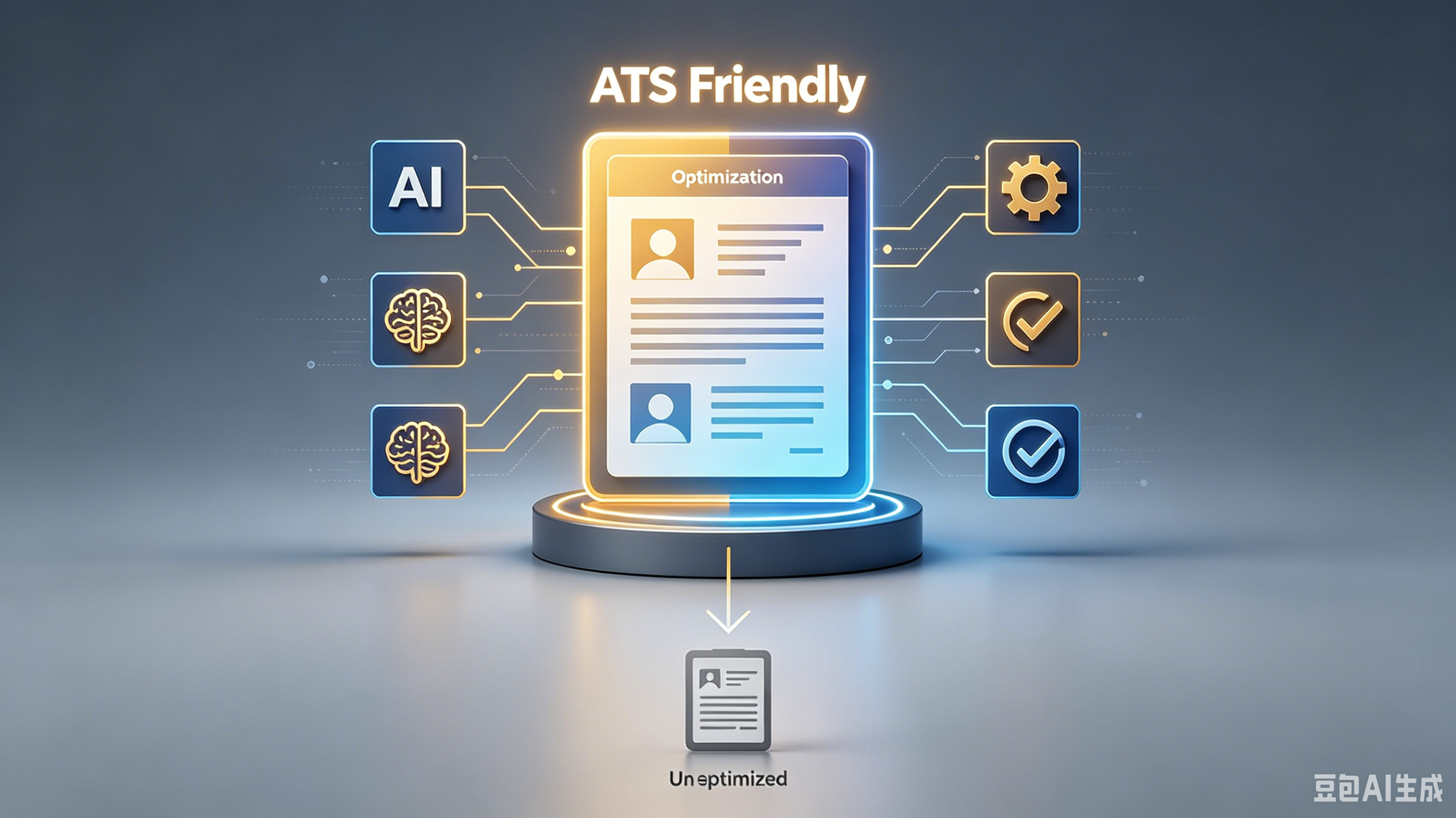
One Page vs Two Page ATS Resume: What Actually Gets You Hired
Key Takeaways:
- Essential insights about
- Practical steps you can implement today
- Expert recommendations for best results
Table of Contents:
1. The Real Difference Between One and Two Pages 2. How ATS Algorithms Read Your Document 3. When to Stick to One Page 4. When Two Pages Are Necessary 5. Formatting Tips That Beat the Bot 6. Common Mistakes That Get You Rejected 7. Final Thoughts on Resume Length
One Page vs Two Page ATS Resume: What Actually Gets You Hired
I stared at my screen, coffee cold, wondering if cutting my favorite project would kill my chances. The job market is brutal right now, and I needed every edge I could get.
After applying to over 200 roles and getting ghosted more times than I can count, I finally cracked the code. It wasn't about having the most experience; it was about formatting for the robots first.
The Real Difference Between One and Two Pages
Here’s the thing: recruiters spend about six seconds scanning your resume. If you’re early in your career or pivoting industries, a one-page resume forces you to cut the fluff and highlight only what matters.
But if you have five-plus years of relevant experience, cramming everything onto one page looks messy. A two-page resume gives you room to breathe, but only if you use that space wisely.
How ATS Algorithms Read Your Document
Applicant Tracking Systems (ATS) don’t care about your creative fonts or colorful columns. They parse text linearly, looking for specific keywords and clear section headers.
Complex layouts often break the parser, causing your data to vanish into the void. Keep it simple with standard headings like "Experience" and "Skills" to ensure the bot reads your professional skills correctly.
When to Stick to One Page
If you’re a recent grad, a bootcamp graduate, or have less than five years of experience, stick to one page. Hiring managers want to see your potential and core competencies without wading through unrelated internships from a decade ago.
- Truth is, Focus on recent, relevant projects.
- Pro tip: Highlight technical stack proficiency.
- Remove outdated or irrelevant roles.
When Two Pages Are Necessary
Senior developers or those with extensive project histories need two pages. Trying to squeeze ten years of complex system architecture work onto one sheet results in tiny, unreadable text.
Use the second page to detail significant achievements and quantify your impact. This is where you show how your career path has evolved and how you’ve driven real business value.
Formatting Tips That Beat the Bot
Regardless of length, consistency is key. Use a clean, sans-serif font like Arial or Calibri, and keep margins between 0.5 and 1 inch.
1. Use bullet points for readability. 2. Avoid headers and footers for critical info. 3. Save as a PDF unless asked for Word.
Common Mistakes That Get You Rejected
I once lost an opportunity because I used a two-column template that looked great to humans but confused the ATS. The system read across the columns, jumbling my work history with my skills section.
Another huge red flag is graphics or icons. While they look nice, most ATS software can’t interpret them, meaning your contact info or portfolio links might get skipped entirely.
Feature
One Page
Two Pages
Best For
Entry-level, Career Changers
Senior Roles, 5+ Years Exp
Focus
Conciseness, Potential
Depth, Impact, History
Risk
Omitting Key Details
Information Overload
Final Thoughts on Resume Length
There’s no magic number, but there is a right strategy for your level. Focus on clarity and relevance rather than hitting a specific page count arbitrarily.
Your goal is to make the recruiter’s job easy. If they can’t find your skill development highlights in seconds, you’re out. Keep it clean, keep it relevant, and let your work speak for itself.
Try auditing your current resume with a free ATS checker this weekend. See where you stand and tweak your format before your next application.
Frequently Asked Questions
Q: What is ? A: Check the section above for a detailed answer.
Q: How do I get started with ? A: Check the section above for a detailed answer.
Q: What are the common mistakes with ? A: Check the section above for a detailed answer.
Ready to master ? Pick ONE technique from this guide and test it for the next 7 days. Track your results and adjust from there.
Ready to optimize your resume?
Get smart resume optimization tailored for the US job market.
Try Free Now