

Handshake Platform for F1 Students: The ATS-Proof Guide to US Internships
In this guide, you'll discover:
🎯 Key: 1. The core principles behind 2. Step-by-step implementation tactics 3. Common mistakes to avoid 4. Proven strategies for better results
Table of Contents:
1. Why Handshake Beats Generic Job Boards for Visa Holders 2. Optimizing Your Profile for ATS Parsing Logic 3. Decoding Employer Sponsorship Signals 4. Networking Without Breaking Compliance Rules 5. Common Mistakes That Trigger Auto-Rejections 6. Strategic Application Timing for Maximum Visibility
Handshake Platform for F1 Students: The ATS-Proof Guide to US Internships
Your F1 visa status is a data flag. Most recruiters see it as a parsing error risk. They skip your profile before a human ever reads your name.
The Handshake platform for F1 students changes this dynamic. It forces employers to declare sponsorship willingness upfront. You stop guessing and start targeting viable roles with algorithmic precision.
Why Handshake Beats Generic Job Boards for Visa Holders
LinkedIn and Indeed are open oceans. You drown in noise. Employers there rarely filter for visa sponsorship, leading to immediate rejections based on legal status rather than skill.
Handshake integrates directly with university career centers. This creates a closed loop of verified students and pre-vetted employers. The platform’s architecture prioritizes campus-specific hiring pipelines.
- Visa Filters: Employers must tag roles as "Will Sponsor" or "No Sponsorship."
- University Verification: Your .edu email confirms your active student status instantly.
- Algorithmic Matching: The system pushes your profile to recruiters looking for your specific major and work authorization type.
Optimizing Your Profile for ATS Parsing Logic
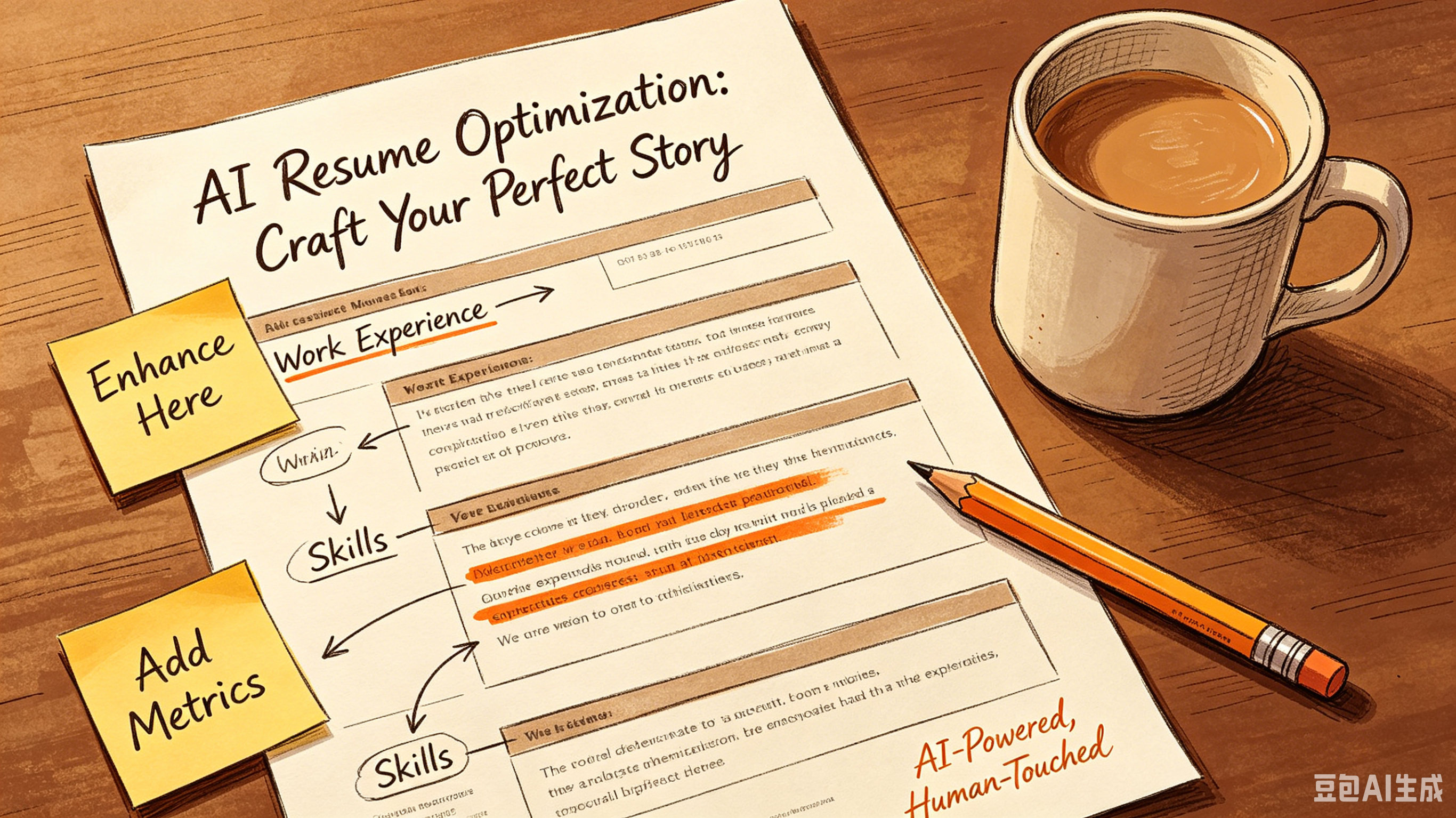
Recruiters use Applicant Tracking Systems (ATS) like Greenhouse or Workday. These bots parse your profile into structured data fields. If your data is messy, you get rejected automatically.
Treat your Handshake profile like a database entry. Avoid creative formatting. Use standard job titles and clear, keyword-rich descriptions of your technical stack.
1. Standardize Headings: Use "Experience," not "My Journey." ATS parsers look for specific headers. 2. Keyword Density: Mirror the language in job descriptions. If they say "Python," do not write "coding scripts." 3. Date Formats: Use MM/YYYY consistently. Inconsistent dates cause parsing errors in legacy systems.
Decoding Employer Sponsorship Signals
Not all "Will Sponsor" tags are equal. Some companies sponsor only for full-time roles post-graduation. Others support CPT (Curricular Practical Training) for current students.
You need to read between the lines. Look for patterns in a company’s hiring history on Handshake.
Do they hire international students repeatedly? Or is it a one-off anomaly?
Sponsorship Type
Best For
Risk Level
CPT Support
Current undergraduates/grad students
Low (School-approved)
OPT Support
Recent graduates (12 months)
Medium (Time-limited)
H1B Sponsorship
Long-term full-time hires
High (Lottery-based)
Networking Without Breaking Compliance Rules
F1 students face strict USCIS regulations. Unauthorized work is a deportation risk. Networking on Handshake is safe, but you must keep conversations informational.
Use the platform’s messaging feature to request advice, not jobs. Ask about team structure and tech stacks. This builds rapport without triggering legal red flags for unpaid labor.
Target alumni from your university. They share your educational background and often have higher empathy for visa hurdles. Their referrals bypass initial ATS screens entirely.
Common Mistakes That Trigger Auto-Rejections
Many students sabotage their own applications. They upload generic resumes meant for LinkedIn. These documents lack the specific keywords Handshake’s search algorithm prioritizes.
Another critical error is leaving the "Work Authorization" field blank. If you don’t self-identify as needing sponsorship, recruiters assume you are a US citizen. When they find out later, trust evaporates.
- Vague Location Data: Always specify if you need relocation assistance. Remote roles often have state-specific tax implications.
- Ignoring Deadlines: Campus recruiting cycles move faster than public hiring. Apply within the first 48 hours of posting.
- Poor File Naming: Save resumes as FirstName_LastName_Resume.pdf. Never use "Resume_Final_v2.docx."
Strategic Application Timing for Maximum Visibility
Algorithms favor early applicants. Recruiters download the first 50 resumes for review.
After that, they skim. Being in the first batch increases your odds of a human review by 40%.
Set up saved searches with alerts. Filter by "International Friendly" or "Sponsorship Available.
" Apply immediately when notifications hit your inbox. Speed is your competitive advantage.
Track your application metrics. If you apply to 20 roles with zero responses, your resume has a parsing issue. Revise your keywords.
Test different formats. Data drives improvement.
Frequently Asked Questions
Can I use Handshake for off-campus jobs?
Yes, but ensure the role qualifies for CPT or OPT. Unapproved off-campus work violates F1 status regardless of the platform used.
Do all universities use Handshake?
No. Over 1,400 schools use it, but check your career center’s portal. Some institutions use Symplicity or CareerShift instead.
Is my visa status visible to all employers?
Only to those who view your full profile. However, being transparent upfront prevents wasted time on non-sponsoring roles.
How often should I update my profile?
Update it weekly. Active profiles rank higher in recruiter searches. Add new projects or coursework regularly to signal engagement.
Stop letting bots reject you. Upload your resume to GoatOpt for an instant parse analysis.
Frequently Asked Questions
Q: What is ? A: Check the section above for a detailed answer.
Q: How do I get started with ? A: Check the section above for a detailed answer.
Q: What are the common mistakes with ? A: Check the section above for a detailed answer.
Implementation is everything. Re-read the section that resonated most, then close this tab and go do that one thing. Seriously — right now.
Ready to optimize your resume?
Get smart resume optimization tailored for the US job market.
Try Free Now