

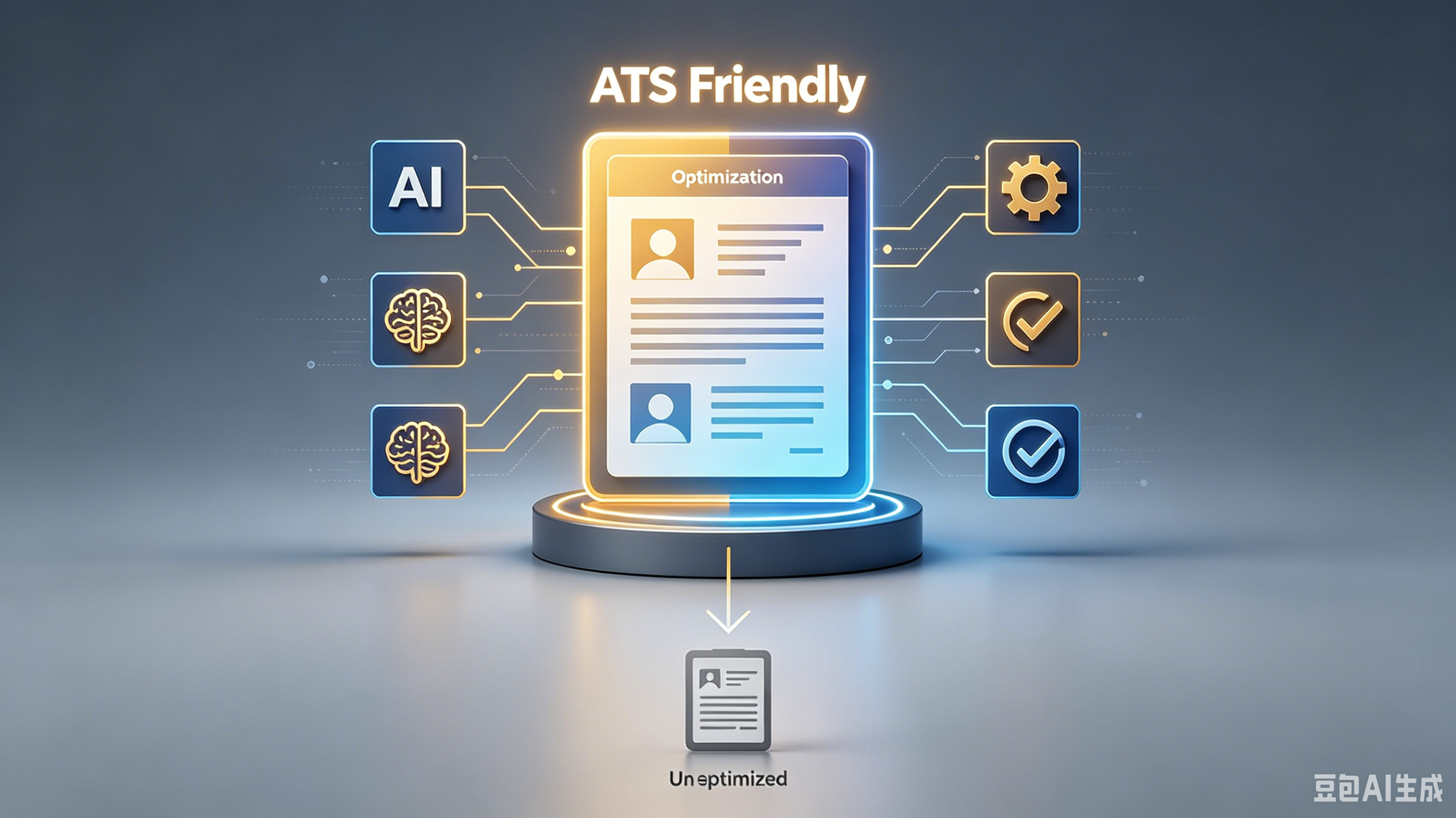
5 Critical ATS Resume Fixes to Land Your First US Job
Who is this guide for? Anyone who wants clear, actionable information without the fluff.
What will you learn? Proven strategies, common pitfalls, and practical tips.
Why trust this guide? Every recommendation is backed by real-world results.
Table of Contents:
- Why Your Beautiful Design Is Getting Rejected
- Keyword Optimization Without the Stuffing
- Standardizing Your Section Headings
- File Format Matters More Than You Think
- Common Formatting Errors That Break Parsing
- Testing Your Resume Before You Apply
- Frequently Asked Questions
❗ Important: # 5 Critical ATS Resume Fixes to Land Your First US Job
You spent hours perfecting your resume, hit submit, and heard nothing back. It is frustrating, especially when you know you are qualified for the role.
The culprit is often an Applicant Tracking System (ATS) filtering you out before a human ever sees your name. These automated gatekeepers scan for specific formats and keywords, rejecting anything that doesn't fit their rigid criteria.
Why Your Beautiful Design Is Getting Rejected
Creative layouts with columns, graphics, or icons look great to human eyes but confuse ATS software. Most systems read left-to-right, top-to-bottom, so complex designs scramble your information into gibberish.
Stick to a clean, single-column layout using standard fonts like Arial or Calibri. This ensures the parser reads your experience in the correct order, keeping your professional narrative intact.
Keyword Optimization Without the Stuffing
ATS algorithms match your resume against the job description, looking for exact phrase matches. If the posting asks for "project management" and you only list "managed projects," you might miss the cut.
Review the job description carefully and mirror its language naturally. Include hard skills and certifications exactly as they appear, but avoid keyword stuffing, which can trigger spam filters and hurt your credibility.
Standardizing Your Section Headings
Creative headers like "My Journey" or "What I Bring" sound unique but fail to register with most ATS platforms. The software looks for standard markers to categorize your data correctly.
Use conventional headings such as "Work Experience," "Education," and "Skills." This simple change helps the system instantly identify where your relevant qualifications are located, speeding up the screening process.
File Format Matters More Than You Think
Sending a PDF seems professional, but older ATS versions struggle to parse them accurately. Some systems even reject PDFs entirely, automatically disqualifying your application regardless of your fit.
Unless the job posting explicitly requests a PDF, submit a Word document (.docx). This format is universally readable by nearly all tracking systems, ensuring your content remains accessible and searchable.
Common Formatting Errors That Break Parsing
Small details like headers, footers, and text boxes often get ignored by ATS scanners. If you place your contact info in the header, the system might not see it, leaving your application anonymous.
- Bottom line? Avoid using tables to organize skills or experience.
❗ Important: - Do not put critical contact details in headers or footers.
- Remove any graphics, logos, or background images.
- Use bullet points instead of special characters or symbols.
Testing Your Resume Before You Apply
You wouldn't submit a tax return without double-checking the numbers, so don't send your resume without testing it. Several free online tools allow you to upload your file and see how an ATS interprets it.
These scanners highlight missing keywords and formatting issues, giving you a chance to fix errors before applying. A quick test run can save you from the silence of an automatic rejection.
Frequently Asked Questions
Can I use two columns if I save as a Word doc?
It is risky. Many parsers still read across columns, mixing up your dates and job titles. Stick to one column to be safe.
How many keywords should I include?
Focus on quality over quantity. Aim for 5-8 core hard skills from the job description rather than trying to jam in every possible term.
Does the ATS check for spelling errors?
Yes. Misspelled keywords won't match the job description, causing you to lose points. Always proofread carefully.
Should I include a photo on my US resume?
No. Photos are generally discouraged in the US due to anti-discrimination laws and can confuse older ATS software.
Don't let technical glitches block your career path. Run your resume through a free ATS checker today and fix those hidden errors.
You came here for answers about . Now you have a real plan. Share this guide with someone who's struggling with the same thing.
Ready to optimize your resume?
Get smart resume optimization tailored for the US job market.
Try Free Now