

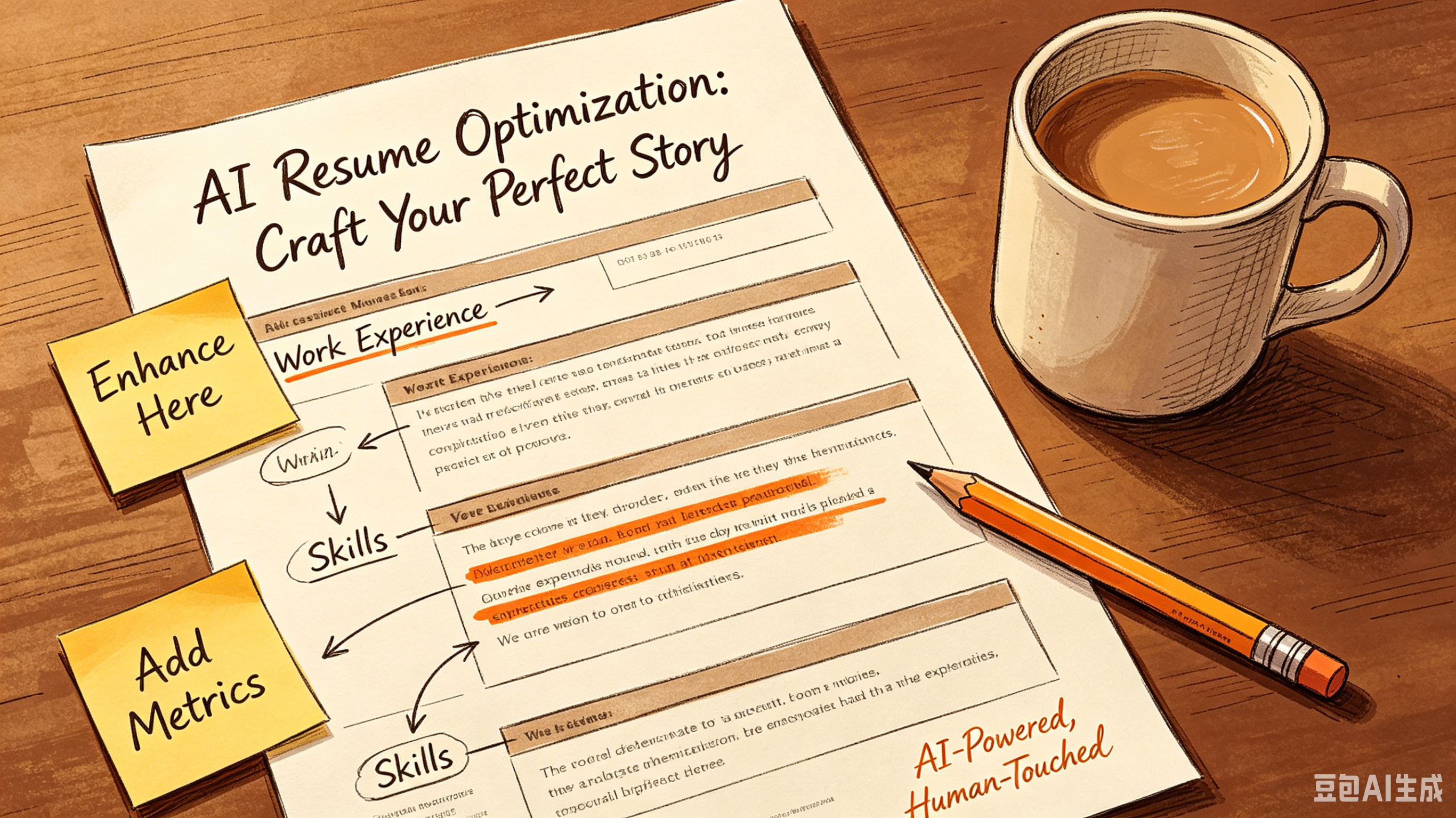
Stop Getting Rejected: The Ultimate ATS Resume Fix for 2024
Action Items:
- Read through this guide
- Pick 2-3 strategies that fit your situation
- Implement them this week
Stop Getting Rejected: The Ultimate ATS Resume Fix for 2024
You spent hours polishing your resume. You tweaked the fonts. You agonized over every bullet point.
Then? Silence. No interview. No rejection email. Just a black hole.
Here is the harsh truth. A human never saw your application. An algorithm scanned it, got confused, and tossed it in the digital trash.
You don't need a prettier resume. You need an ATS resume fix that actually works.
Why Your "Creative" Resume Is Killing Your Chances
HR departments love to talk about finding "unique talent." But their software hates uniqueness.
Most Applicant Tracking Systems (ATS) are dumb. They can’t read columns, graphics, or fancy icons.
If you used Canva to make your resume look like a magazine spread, you failed. The bot sees gibberish. It parses your contact info as job experience.
It misses your skills entirely. Stop trying to be an artist. Be a data point.
- Avoid text boxes and tables; they break parsing logic.
- Stick to standard headings like "Experience" instead of "My Journey."
- Use black text on a white background. Always.
The Keyword Myth: Stuffing vs. Strategic Matching
Old advice said to stuff keywords everywhere. That is a fast track to looking desperate. Modern ATS algorithms are smarter.
They look for context, not just frequency. They want to see how you applied those skills.
Read the job description. Identify the top three hard skills. Weave them into your bullet points naturally.
If the role requires "Python" and "Data Analysis," don't just list them. Show a project where you used Python to analyze data. Context wins.
Formatting Nightmares That Trigger Auto-Rejection
You might think your two-column layout looks sleek. The ATS sees a jumbled mess. It reads left-to-right, top-to-bottom.
Columns scramble your work history. Your most recent job ends up next to your college GPA from 2015.
Keep it boring. Boring gets interviews. Use a single-column layout.
Use standard bullet points. Stick to fonts like Arial, Calibri, or Helvetica. If a human can’t copy-paste your text cleanly, a bot certainly can’t.
Element
ATS Friendly?
Why?
Standard Bullets
Yes
Clean parsing
Text Boxes
No
Often ignored
Headers/Footers
No
Hidden from bots
PDF Format
Maybe
Word is safer
Skill Stacking Over Linear Career Progression
Forget the ladder. It’s broken. In today's market, career advancement tips rarely involve waiting for a promotion.
They involve skill stacking. Combine unrelated skills to create a unique value proposition.
Are you a marketer who knows SQL? That’s rare. Are you a designer who understands UX research?
Valuable. Highlight these hybrid strengths. An ATS resume fix isn't just about formatting. It’s about framing your chaotic career path as a strategic advantage.
Navigating the Career Shift Without Starting Over
Pivoting industries is terrifying. You feel like you’re starting from zero. You’re not.
You’re translating. The problem is your resume speaks the old language. You need to translate your experience for the new gatekeepers.
Focus on transferable skills. Project management is project management, whether you’re in construction or tech. Leadership is leadership.
Strip away the industry jargon. Replace it with universal business outcomes. This makes your career change look like a logical step, not a risky gamble.
The Final Checklist Before You Hit Submit
Don’t trust your eyes. Trust the parser. There are free tools online that simulate an ATS scan.
Use them. They will show you exactly what the bot sees. If your name is missing, fix it. If your dates are garbled, correct them.
Save your file as a .docx unless the job post specifically demands PDF. Word documents are easier for older systems to read.
Keep the file name simple: FirstName_LastName_Resume.docx. No creative titles. No version numbers.
- Run your resume through a free ATS simulator.
- Check for spelling errors that bots flag as unknown words.
- Ensure all contact info is in the body, not the header.
- Verify that your bullet points start with strong action verbs.
Common Questions About ATS Optimization
Do I really need to remove all design elements?
Yes. Unless you are handing it directly to a human, strip it down. Design is for the interview portfolio, not the initial screen.
Is a career gap a red flag for ATS?
No. ATS doesn't judge gaps.
It just parses dates. Explain the gap in your cover letter or LinkedIn, but keep the resume factual.
Should I include a photo?
Absolutely not. In the US, photos can lead to immediate rejection due to bias laws. Plus, many ATS systems crash when they hit an image file.
Your resume is a key, not a biography. Make sure it fits the lock. Stop guessing.
Start optimizing. Try running your current resume through a parser tonight and fix the top three errors you find.
Frequently Asked Questions
Q: What is ? A: Check the section above for a detailed answer.
Q: How do I get started with ? A: Check the section above for a detailed answer.
Q: What are the common mistakes with ? A: Check the section above for a detailed answer.
Take action: Open your calendar right now and block 30 minutes this weekend to implement your first technique. That's all it takes to get started.
Ready to optimize your resume?
Get smart resume optimization tailored for the US job market.
Try Free Now