

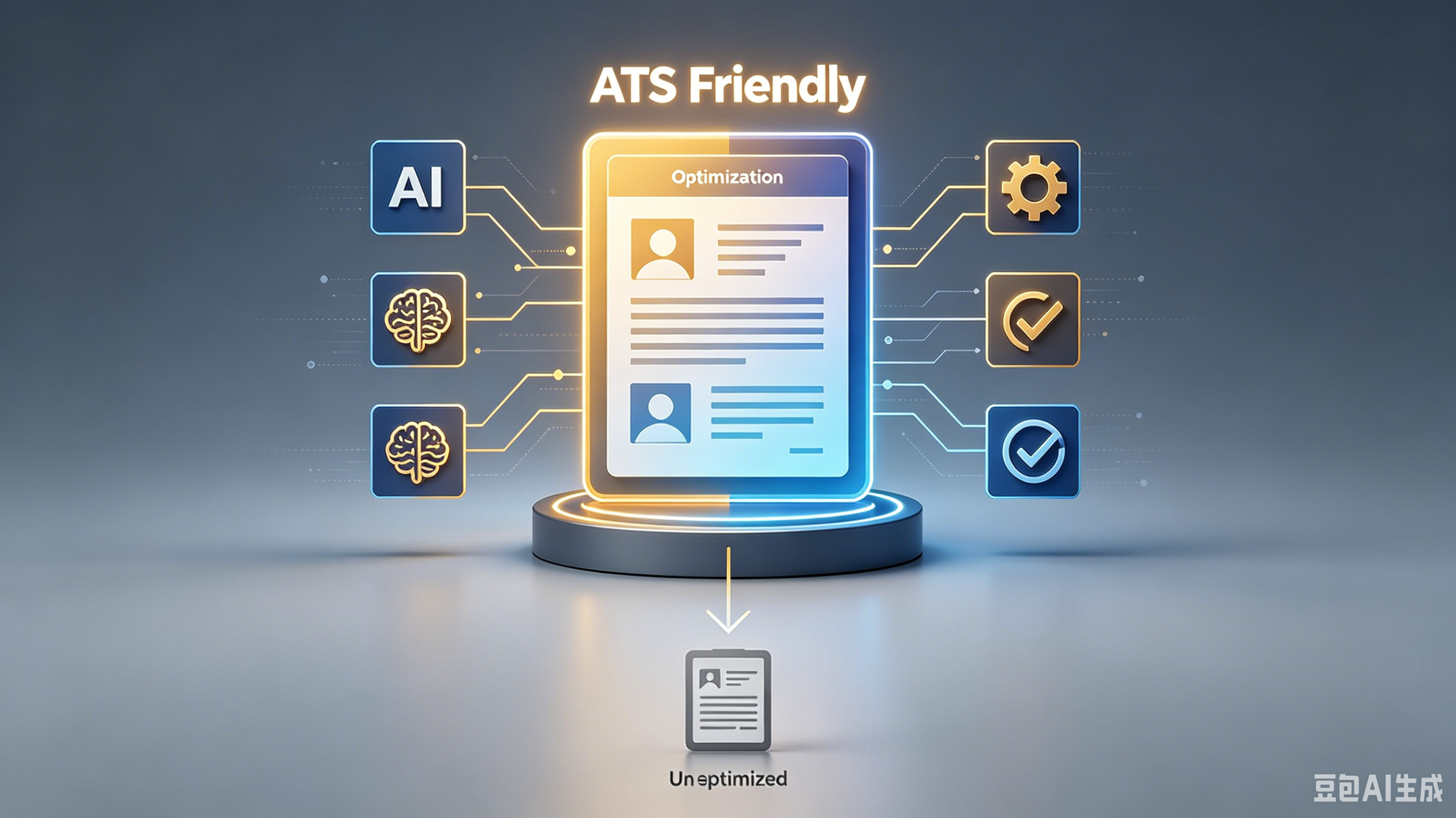
Stop Getting Rejected: How to Build an Applicant Tracking System Compatible Resume
Table of Contents:
1. The Robot Gatekeeper Is Real 2. Kill the Creative Formatting 3. Keyword Matching Is Not Optional 4. File Format Matters More Than You Think 5. Standard Headings Are Non-Negotiable 6. Prove You Can Beat the Bot
Stop Getting Rejected: How to Build an Applicant Tracking System Compatible Resume
You spent hours polishing your resume. You tweaked the fonts. You agonized over every bullet point.
Then? Silence. No interview. No rejection email. Just a black hole.
Here’s the harsh truth: A human never saw your masterpiece. An algorithm did. And it hated it.
If you want a job in 2024, you need an applicant tracking system compatible resume. Stop writing for people. Start writing for robots.
The Robot Gatekeeper Is Real
HR departments are drowning. For every open role, they get hundreds of applications. They don’t have time to read them all.
So they use software to filter the noise. This is the Applicant Tracking System (ATS).
Think of it as a bouncer at an exclusive club. If your ID doesn’t match the guest list exactly, you’re not getting in. It doesn’t matter how cool you are.
The ATS scans for keywords, formatting, and structure. Fail the scan, and you’re deleted. Instantly.
Kill the Creative Formatting
Designers love columns. They love graphics. They love icons.
But ATS parsers hate them. These elements confuse the software. It tries to read your two-column layout as one jumbled mess. Your contact info ends up in your skills section. Disaster.
Strip it down. Use a single-column layout. Stick to standard fonts like Arial or Calibri.
No headers. No footers. No text boxes. Boring? Yes. Effective? Absolutely. You can be creative in the interview. Right now, you just need to be readable.
Keyword Matching Is Not Optional
This is where most candidates fail. They use generic fluff. "Hard worker.
" "Team player." The ATS doesn’t care. It looks for specific hard skills mentioned in the job description. If the job asks for "Python," and you write "coding," you lose.
- Mirror the language: If they say "Project Management," don’t write "Led projects." Use their exact words.
- Context matters: Don’t just keyword stuff. Weave terms into your achievements naturally.
- Check frequency: Important skills should appear more than once. But don’t overdo it. That looks spammy.
File Format Matters More Than You Think
PDFs look pretty. They preserve your formatting perfectly. But some older ATS systems can’t read them.
They see a blank page. Or worse, garbled text. Unless the job posting explicitly says "PDF only," play it safe.
Use a .docx file. Microsoft Word documents are universally readable by every major ATS platform.
It’s not sexy. It’s not modern. But it works. And right now, working is the only thing that matters. Save the PDF for when you hand it directly to a hiring manager.
Standard Headings Are Non-Negotiable
Clever headings confuse bots. Don’t use "My Journey" or "What I Bring to the Table." The ATS is looking for specific markers.
It wants to find your work history. It wants to find your education. Help it out.
Use This
Avoid This
Work Experience
Professional Journey
Education
Academic Background
Skills
Core Competencies
Contact Information
Let's Connect
Stick to the classics. The ATS knows what "Work Experience" means. It has no idea what "My Professional Saga" is.
Don’t make it guess. Guessing leads to rejection.
Prove You Can Beat the Bot
Most people ignore this step. They send their resume into the void and hope for the best. Don’t be most people.
Test your document. There are free tools online that simulate an ATS scan. Use them.
1. Paste your resume and the job description into a scanner tool. 2. Check your match rate. Aim for 80% or higher. 3. Look for missing keywords. Add them if they’re relevant. 4. Check for parsing errors. Does your name show up correctly?
If the tool can’t read it, neither can the recruiter. Fix the errors. Tweak the keywords.
Rescan. Repeat until you’re green across the board. It’s tedious. It’s annoying. It’s also the only way to win.
Frequently Asked Questions
Can I use a creative resume template?
No. Creative templates break ATS parsers.
Stick to simple, clean, single-column layouts. Save the design for your portfolio site.
Do I need to include a photo?
Absolutely not. Photos confuse ATS software and can lead to bias issues. Keep your resume text-only and professional.
How many keywords should I include?
Focus on quality, not quantity. Include the top 5-7 hard skills from the job description. Weave them naturally into your bullet points.
Is a Word doc really better than PDF?
Yes. While modern ATS handle PDFs better, .
docx remains the safest bet for compatibility across all systems. Always check the job post instructions first.
Stop guessing. Stop hoping. Build an applicant tracking system compatible resume today.
Run it through a scanner. Fix the errors. Then apply with confidence. Your next interview is waiting on the other side of that algorithm.
Frequently Asked Questions
Q: What is ? A: Check the section above for a detailed answer.
Q: How do I get started with ? A: Check the section above for a detailed answer.
Q: What are the common mistakes with ? A: Check the section above for a detailed answer.
Next steps: Choose the strategy from this guide that matches your current skill level and commit to it for 2 weeks before adding anything new.
Ready to optimize your resume?
Get smart resume optimization tailored for the US job market.
Try Free Now